Recurring donations
In this section, you will learn how to manage a recurring donation (e.g. monthly based). This documentation is divided into three parts: an example UI flow with the most important calls, a detailed flowchart, and the API references.
UI Example
The user starts by selecting a charity and the amount they wish to donate.
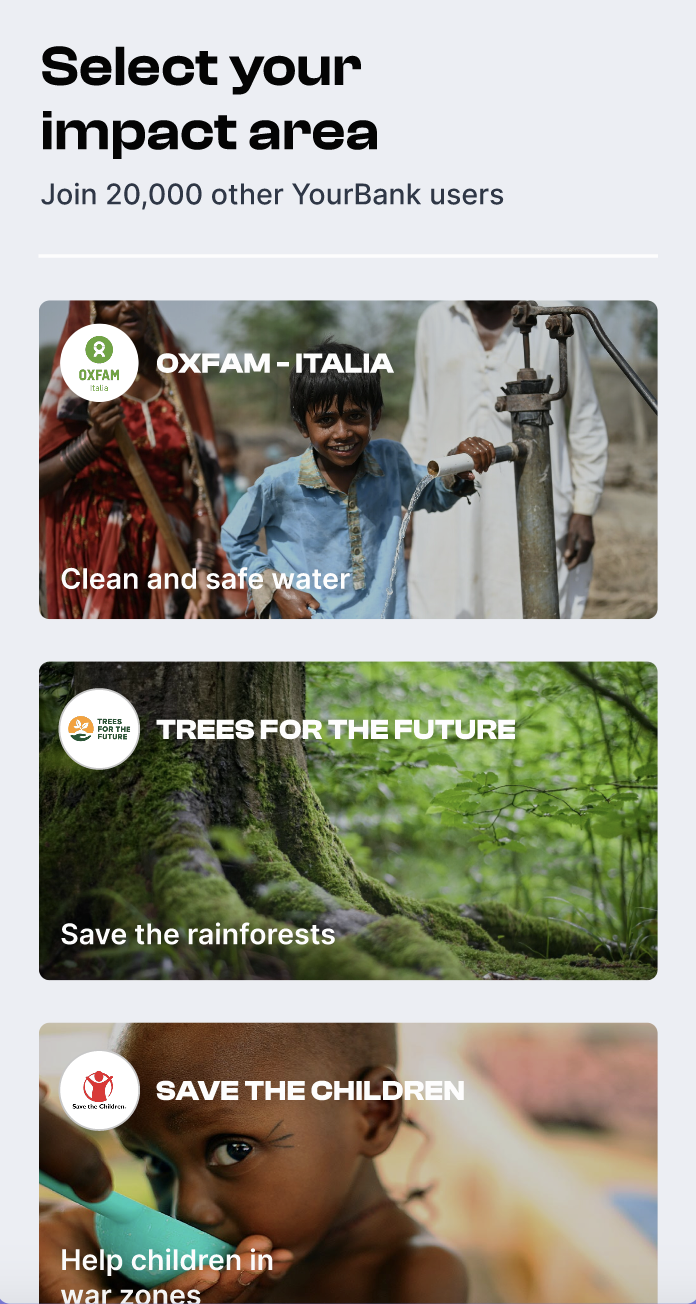
Step-by-Step Process:
-
Initiate Pre-Subscription:
A front-end call is made without user authentication to initiate a pre-subscription for the selected charity and amount with type 'monthly'.
Endpoint: POST /v1/pub/company/:company_id/pre-subscriptions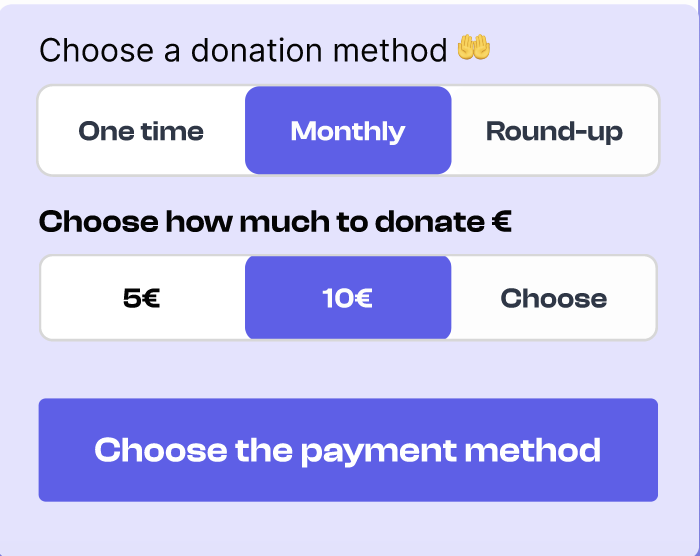
-
Retrieve Payment Methods:
A front-end call is made with consumer user authentication to retrieve the payment methods already created in cents.
Endpoint: GET /v1/auth/consumer-user/company/:id_company/payment-methods -
Display Payment Methods:
The system displays the list of available payment methods to the user (including also payment methods not stored in cents yet).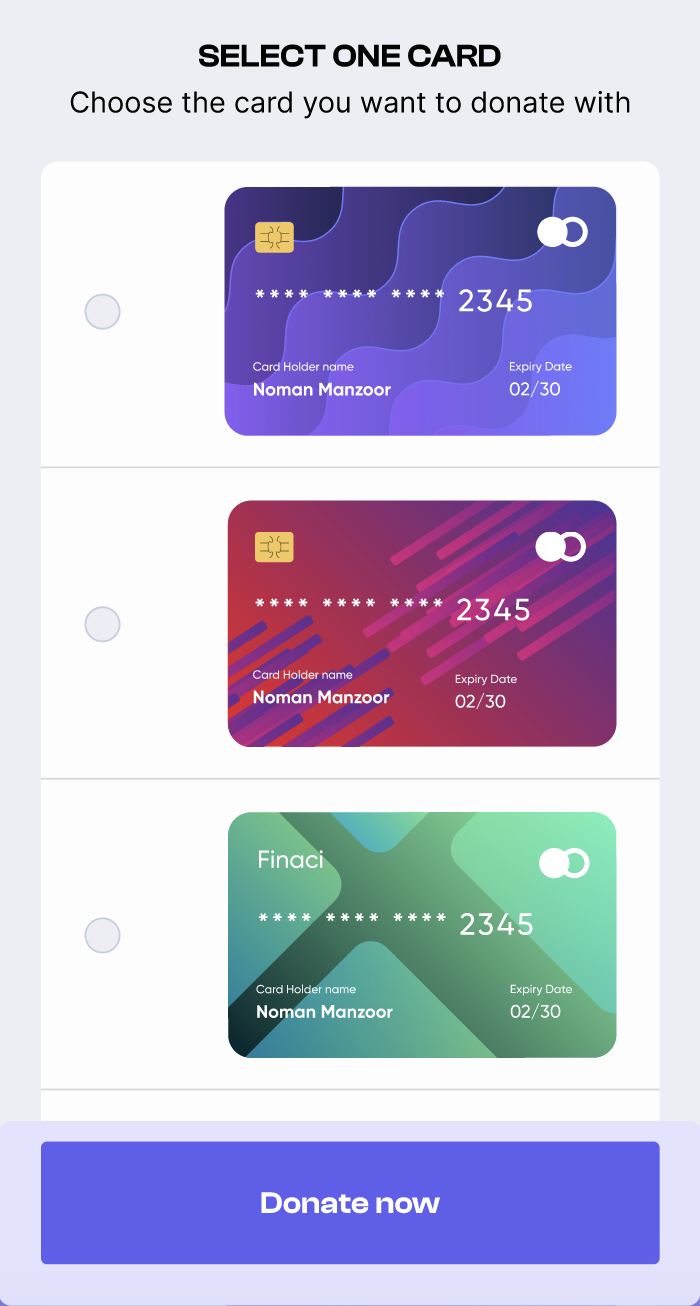
-
Add New Payment Method:
If the consumer user selects a payment method not yet stored in cents, a front-end consumer user authenticated call is made to add the payment method.
Endpoint: POST /v1/auth/consumer-user/company/:company_id/payment-methods -
Confirm the subscription: The consumer user has to confirm the subscription making a front-end consumer user authenticated call with type 'monthly'. Endpoint: POST /v1/auth/consumer-user/company/:company_id/subscriptions
-
Handle Donation Payment:
There are two possible scenarios based on who will handle the donation payment: the company or Cents.- Cents Handles Payment:
If Cents processes the donation payment, the entire donation payment flow is completed, and no further steps are required. - Company Handles Payment:
If the company processes the donation payment, the flow continues with the steps below.
- Cents Handles Payment:
-
Automatic Pre-Transactions:
Cents automatically create pre-transactions every month. -
Transaction Handling: There are two possible scenarios based on who will make the call to retrieve transactions to pay: the company or Cents.
- Cents Handles the Call:
If Cents handles the call, cents notify the company when there are new transactions, making a custom company call with transaction details. - Company Handles the Call:
If the company handles the call, the company pings cents to retrieve transactions to do:
Endpoint: GET /v1/auth/company/pre-transactions?to-pay=true, and then handle the donation payment.
- Cents Handles the Call:
-
Manage the Payment and Create the Transaction:
Finally, the company handles the donation payment, then a back-end call is made to create the transaction.
Endpoint: POST /v1/auth/company/consumer-users/:consumer_user_id/transactions
This flow ensures that the donation process is secure, with appropriate steps for user authentication and transaction handling, depending on whether the company or Cents handles the payment.
Detailed Flow
API references
- Company API: for transactions and subscriptions sections
- Consumer User API: for subscriptions and payment methods sections