Saving account
In this section, you will learn how to manage an automatic donation from a saving account. This documentation is divided into three parts: an example UI flow with the most important calls, a detailed flowchart, and the API references.
UI Example
The user starts by selecting a charity and the amount they wish to donate.
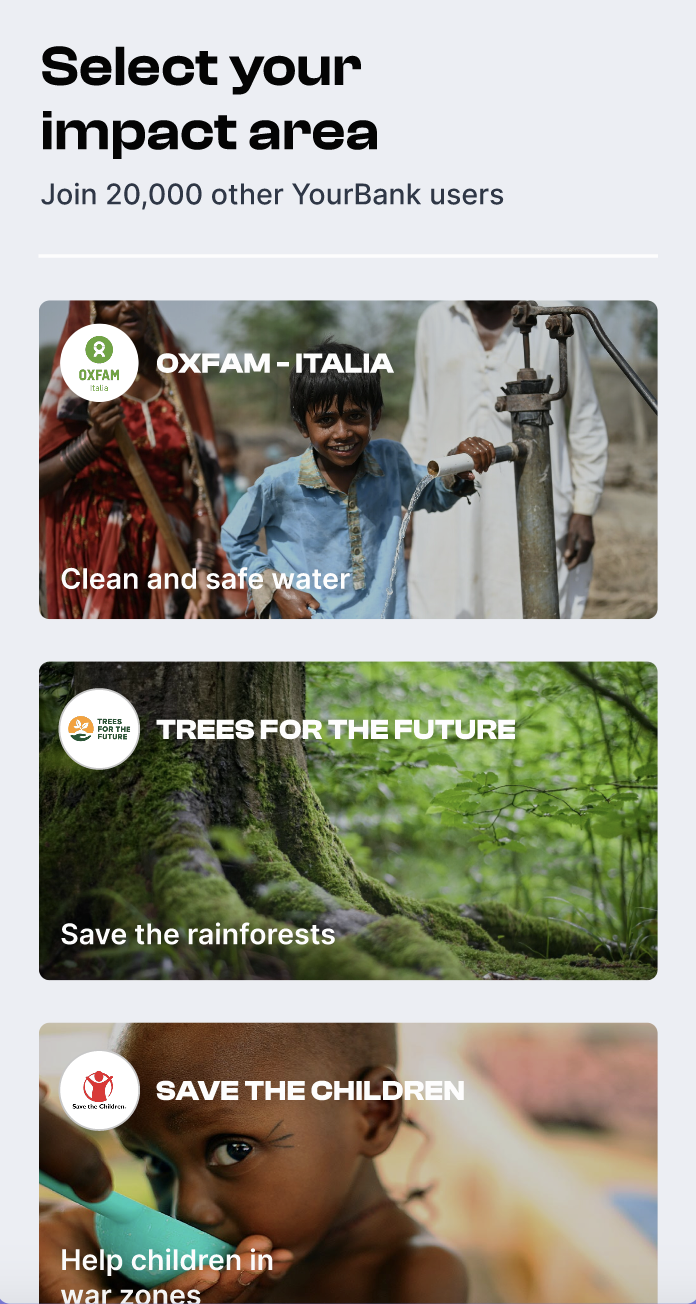
Step-by-Step Process:
-
Initiate Pre-Subscription:
A front-end call is made without user authentication to initiate a pre-subscription for the selected charity and amount with type 'saving_account'.
Endpoint: POST /v1/pub/company/:company_id/pre-subscriptions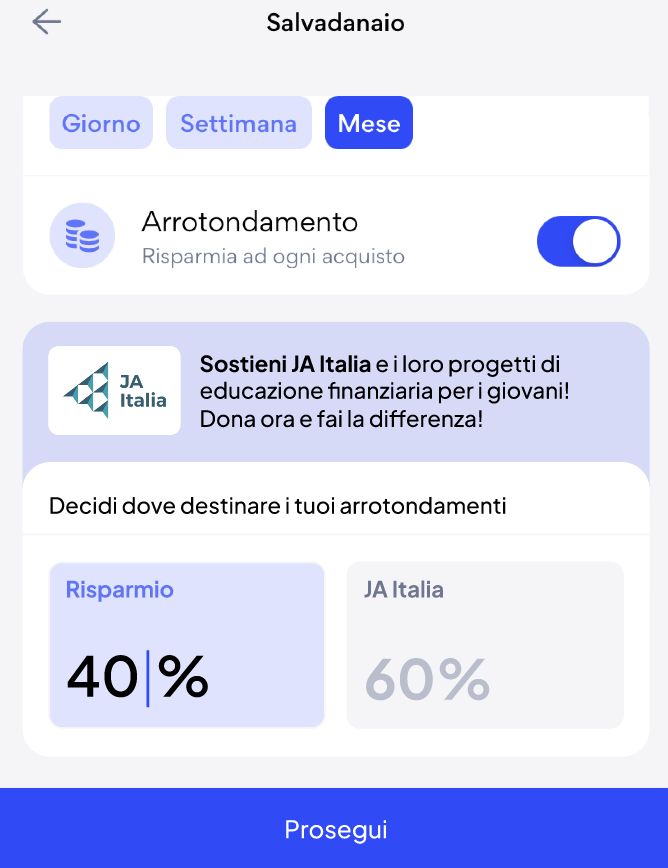
-
Retrieve Payment Methods:
A front-end call is made with consumer user authentication to retrieve the payment methods already created in cents.
Endpoint: GET /v1/auth/consumer-user/company/:id_company/payment-methods -
Add New Payment Method:
If the savings account payment method is not yet stored in cents, an authenticated call from a front-end consumer user is made to add the payment method.
Endpoint: POST /v1/auth/consumer-user/company/:company_id/payment-methods -
Confirm the subscription: The consumer user has to confirm the subscription making a front-end consumer user authenticated call with type 'saving_account'.
Endpoint: POST /v1/auth/consumer-user/company/:company_id/subscriptions -
Automatic Pre-Transactions:
Cents automatically create pre-transactions every month. -
Transaction Handling: There are two possible scenarios based on who will make the call to retrieve transactions to pay: the company or Cents.
- Cents Handles the Call:
If Cents handles the call, cents notify the company when there are new transactions, making a custom company call with transaction details. - Company Handles the Call:
If the company handles the call, the company pings cents to retrieve transactions to do:
Endpoint: GET /v1/auth/company/pre-transactions?to-pay=true, and then handle the donation payment.
- Cents Handles the Call:
-
Manage the Payment and Create the Transaction:
Finally, the company handles the donation payment, then a back-end call is made to create the transaction.
Endpoint: POST /v1/auth/company/consumer-users/:consumer_user_id/transactions
This flow ensures that the donation process is secure, with appropriate steps for user authentication and transaction handling.
Detailed Flow
API references
- Company API: for transactions and subscriptions sections
- Consumer User API: for subscriptions and payment methods sections